
The 2-minute tour · a made-up building firm, real costin screens
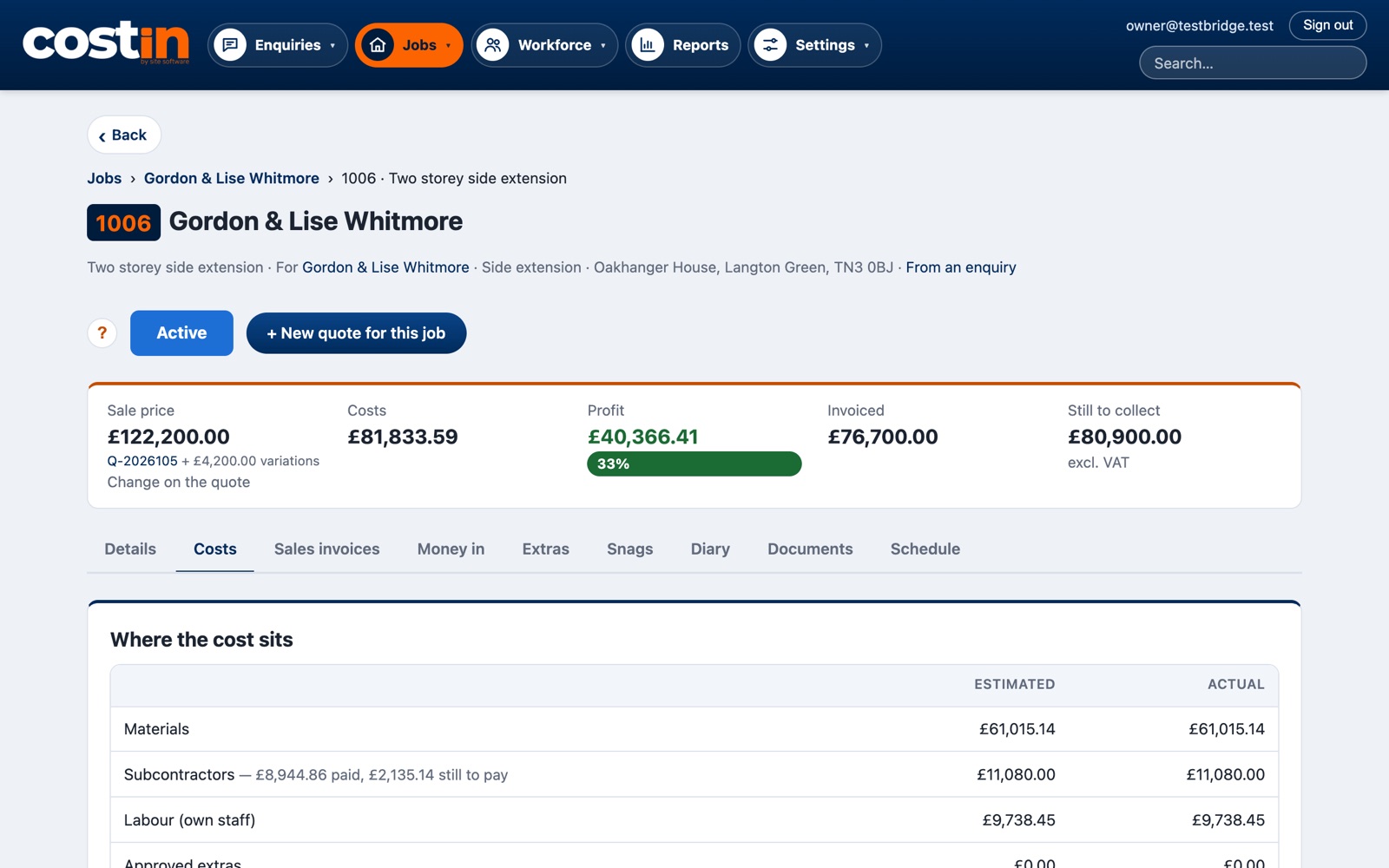
Open any job and the top line tells you where it stands: the price agreed (with approved extras), what it has cost so far, the profit, and what's still to collect.
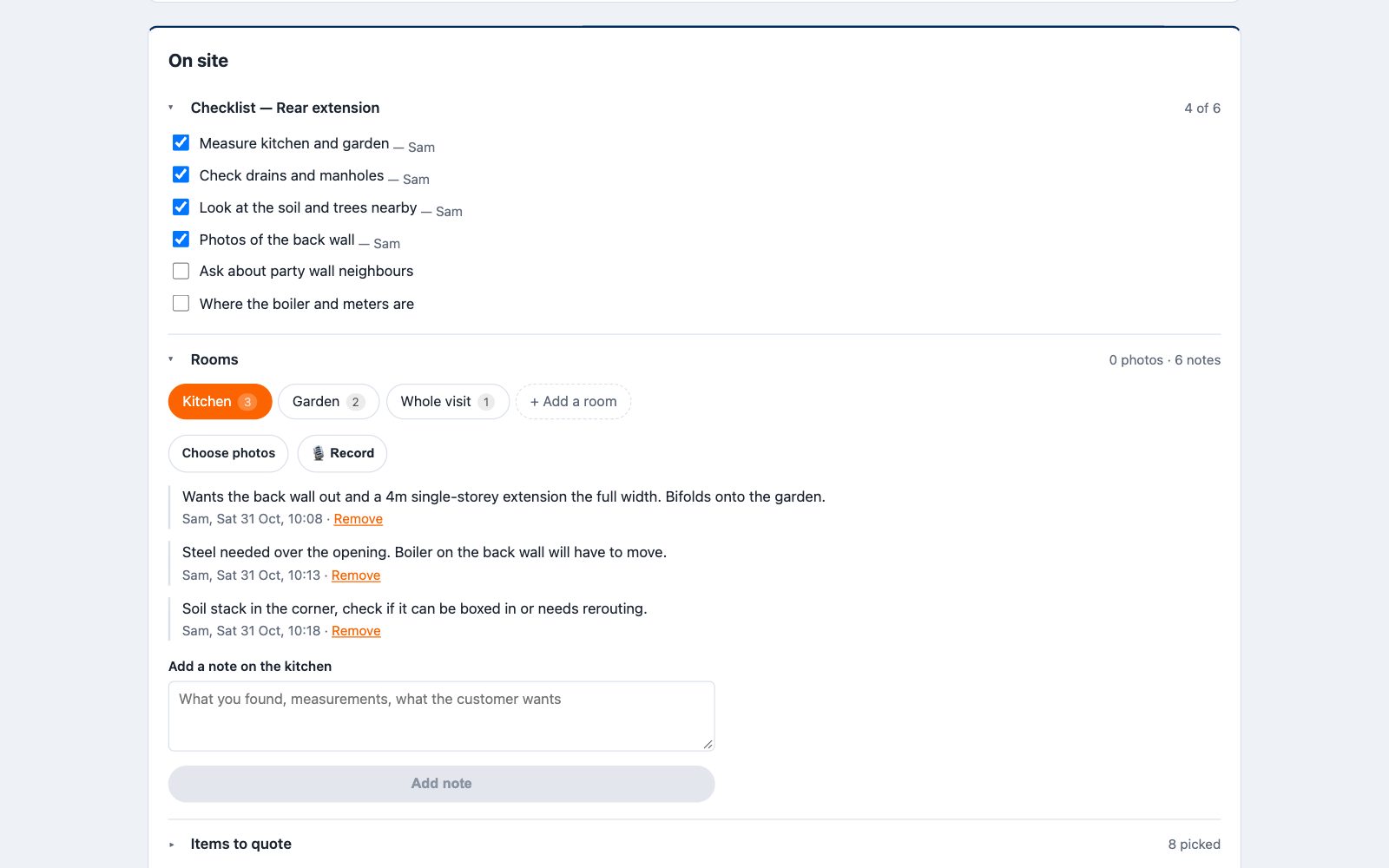
On a visit, costin keeps your notes in three parts: a checklist for that type of job, notes and photos for each room (typed or recorded), and the items to quote, picked from your price list. No signal? It's saved on your phone and sends when it can.
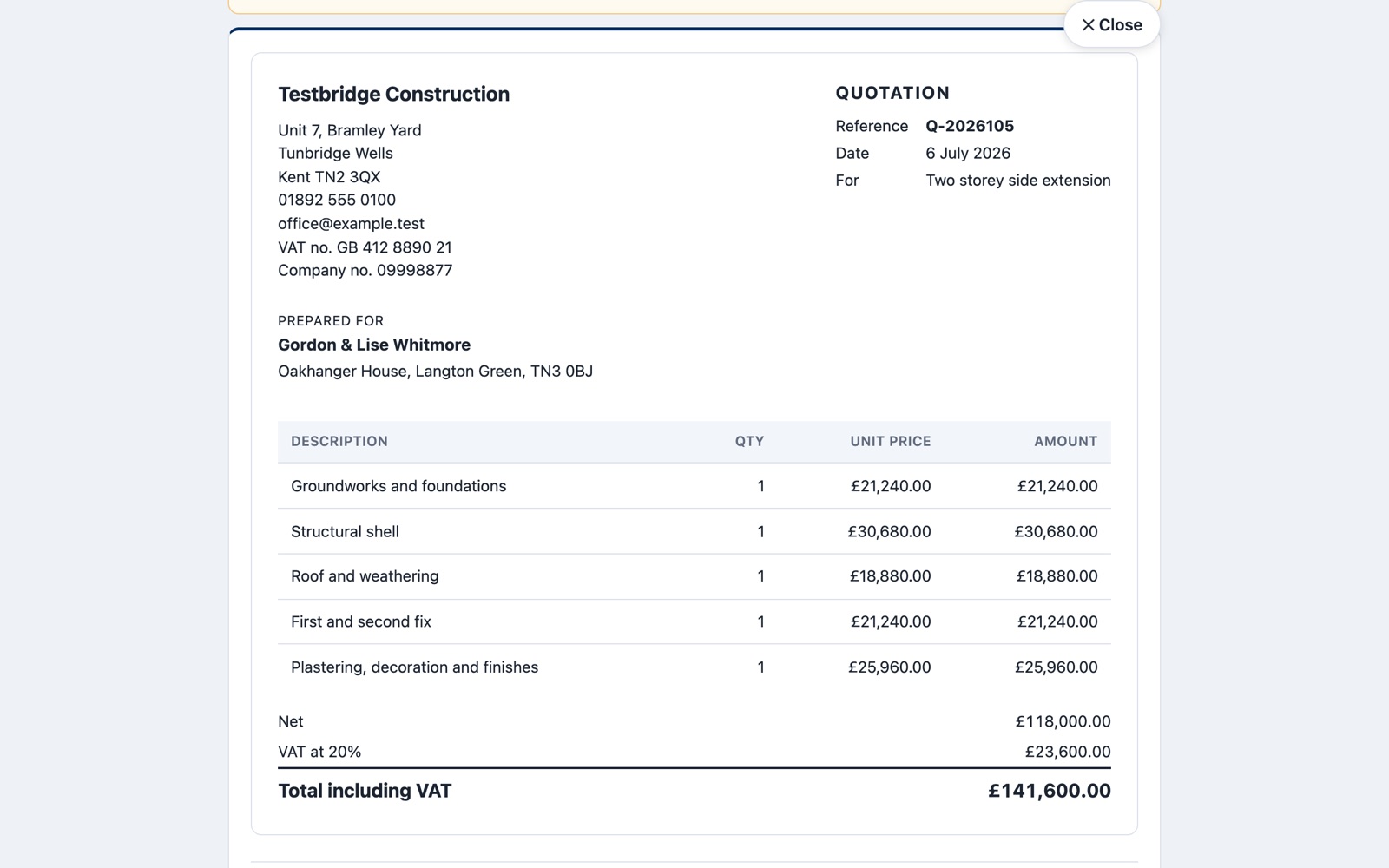
Start the quote from the visit with the items already filled in, then price it line by line or as one figure. The customer gets a private link, you see when they've opened it, and they accept it online.
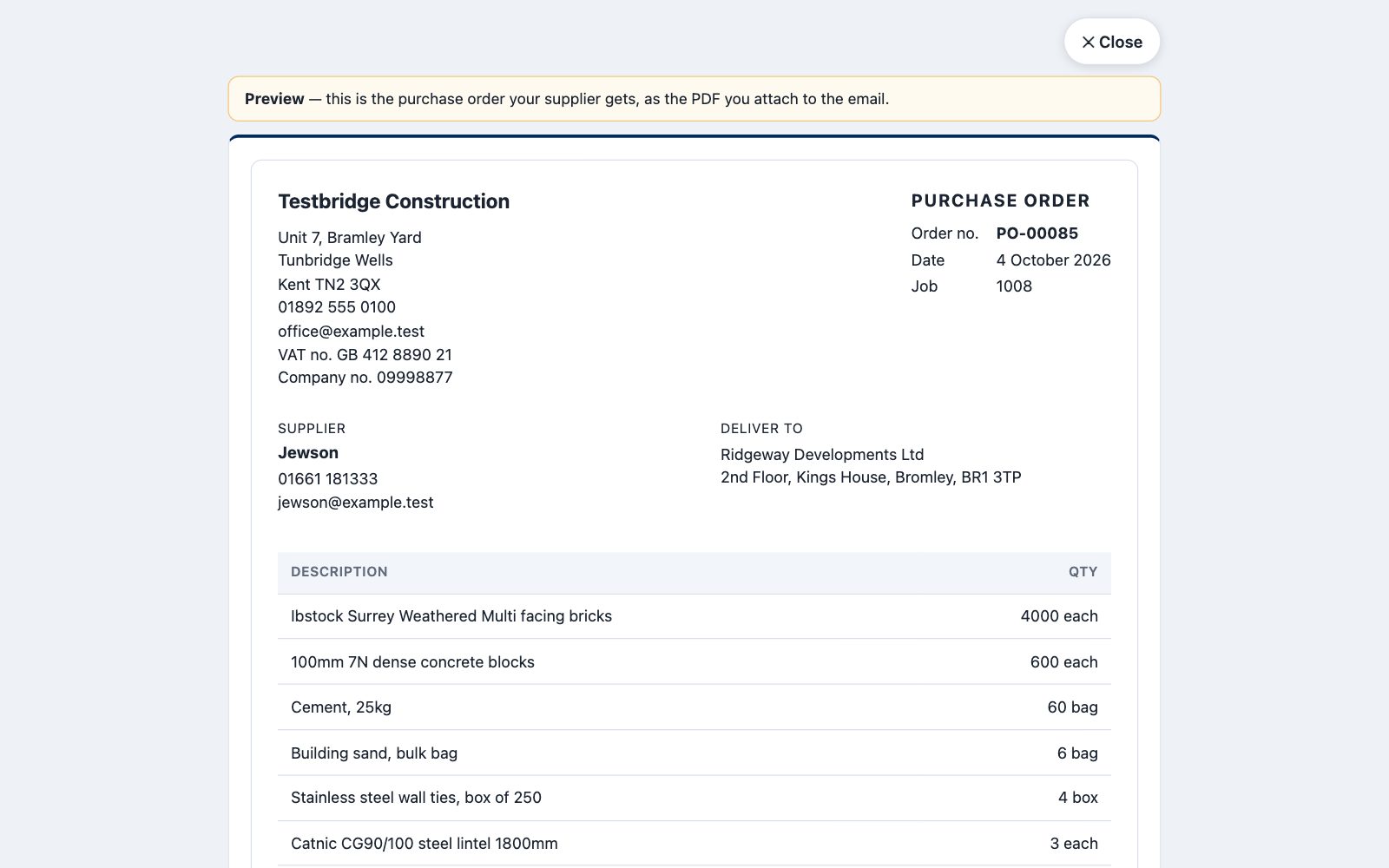
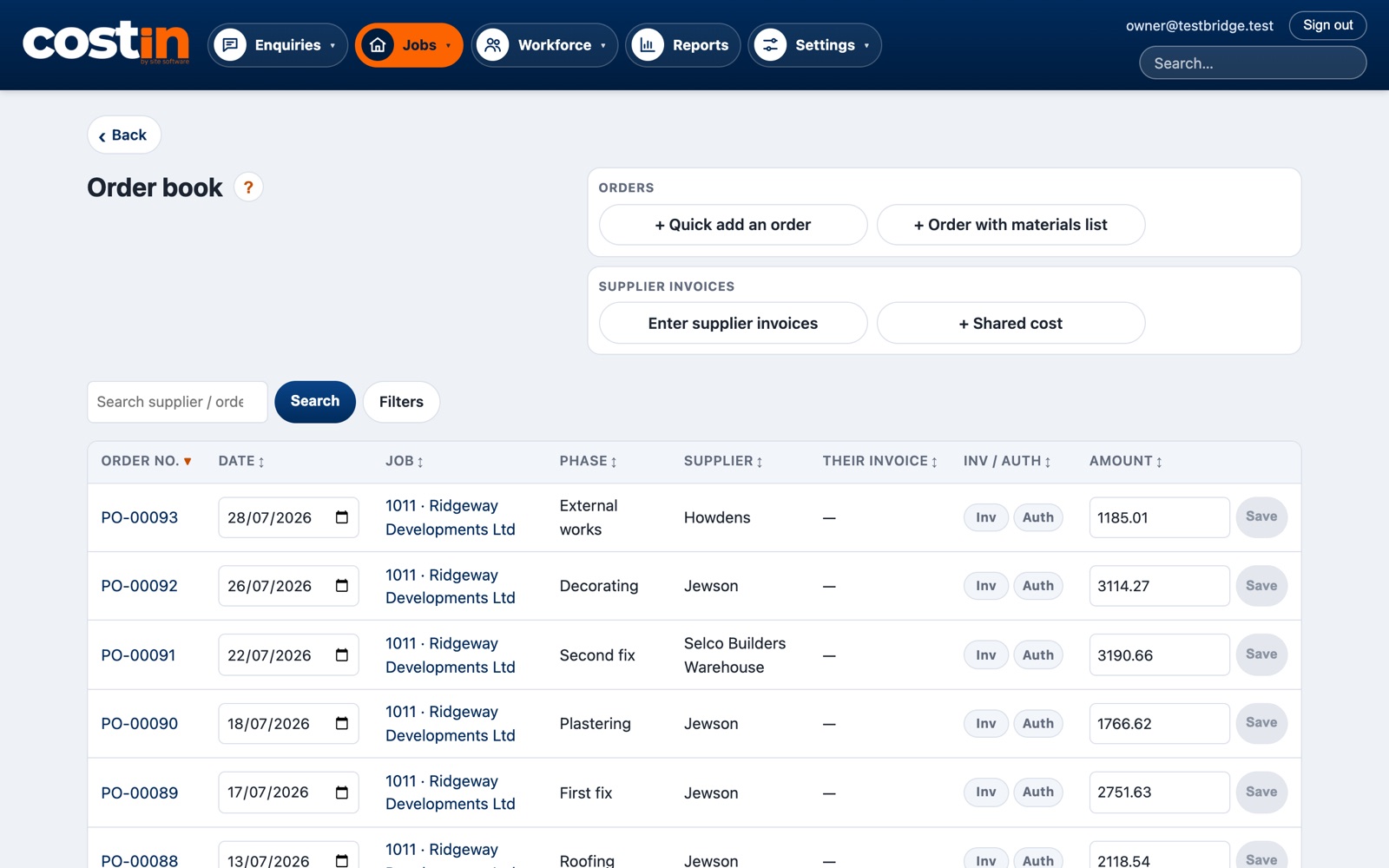
Raise a purchase order against the job and its build phase, and email it to the merchant with the PDF attached. You can see everything ordered for every job, in one place.
At month end, drop in the emailed invoices: costin reads them, matches them to the order, and stops the same invoice being paid twice.
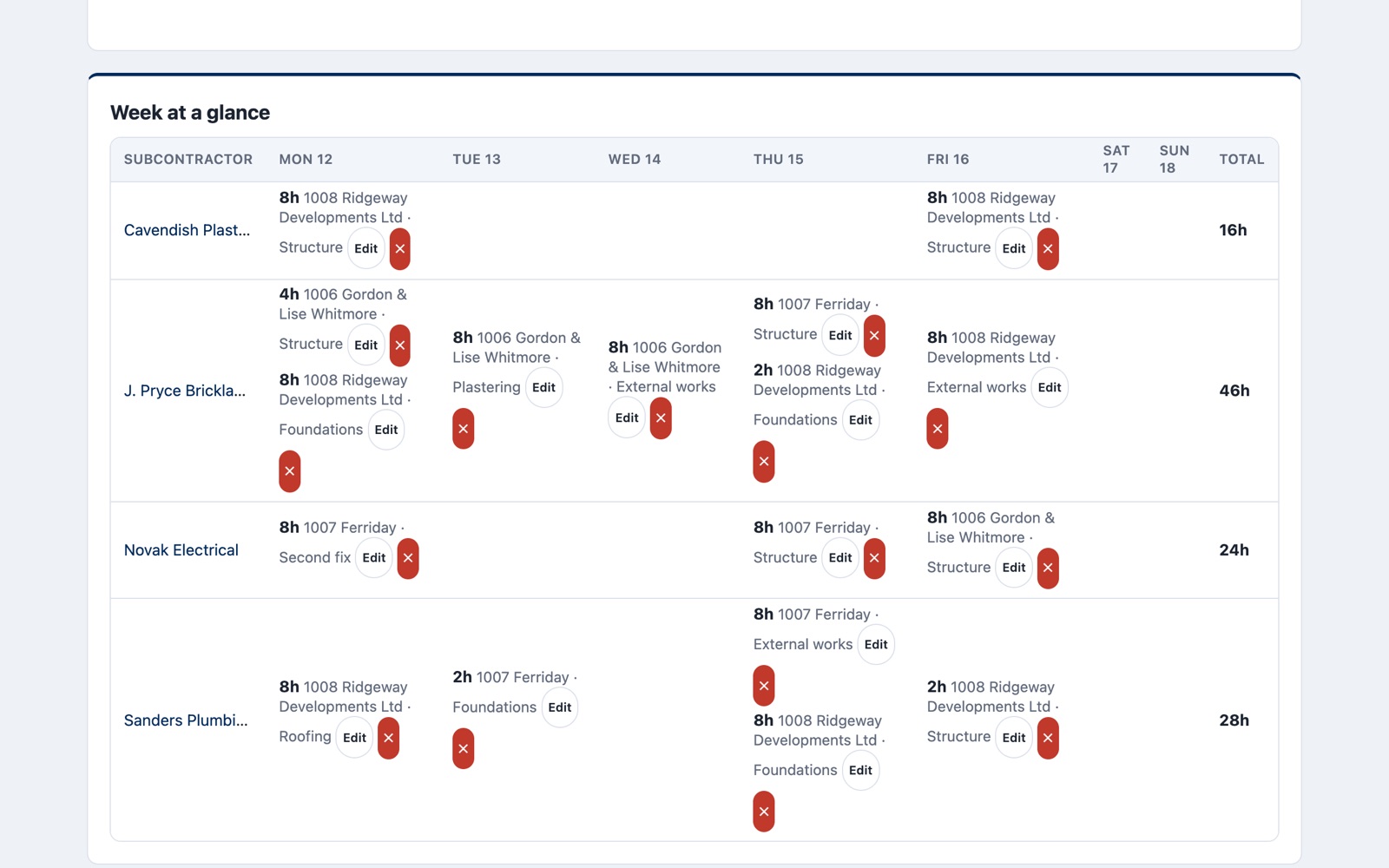
The labour log is the week at a glance. It drives the pay run, the labour cost of each job and phase, and your subbies' CIS payment and deduction statements.
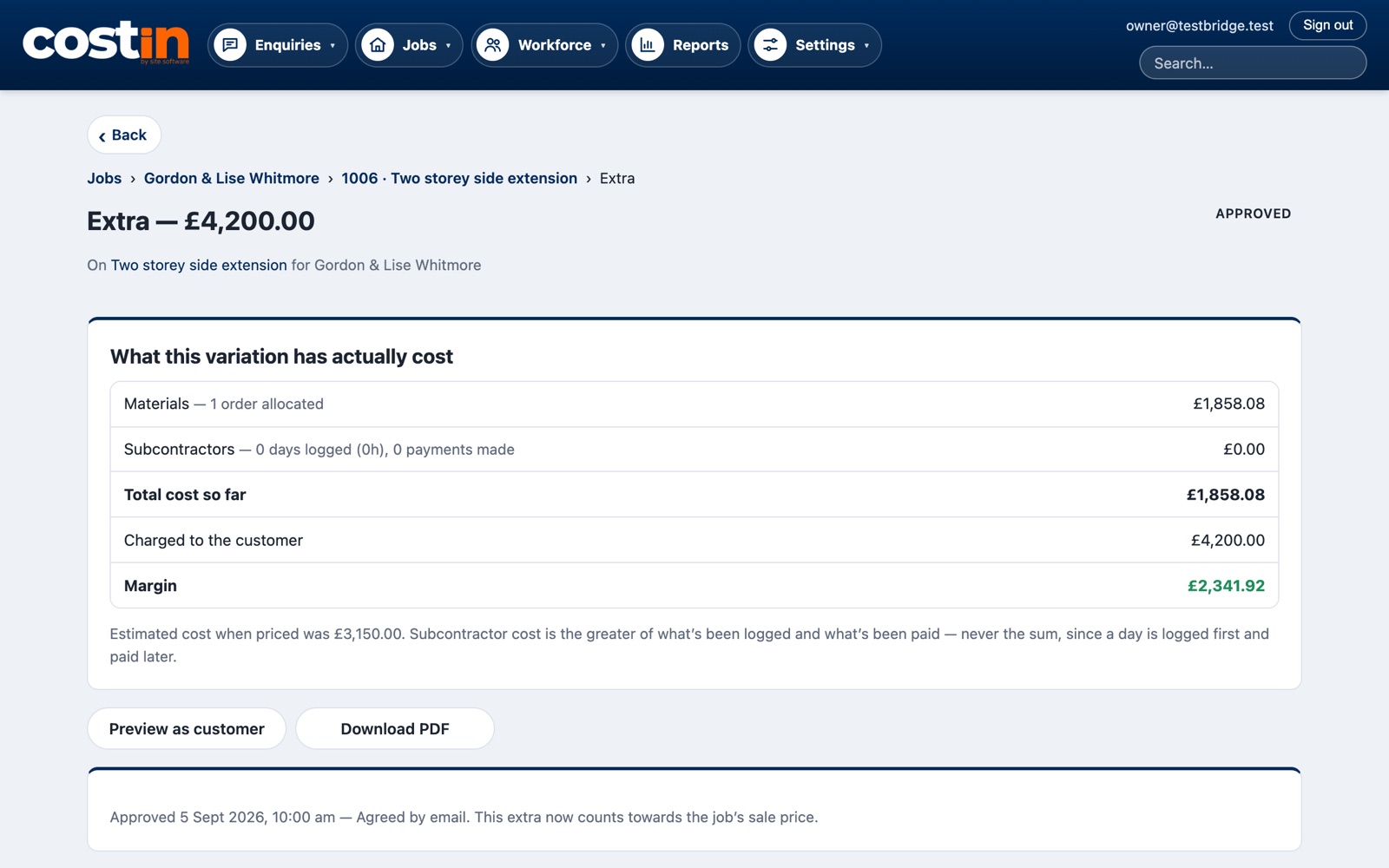
Price an extra, send it to the customer to approve, then put orders and days against it. costin shows what it actually cost against what you charged — no more extras that quietly lose money.
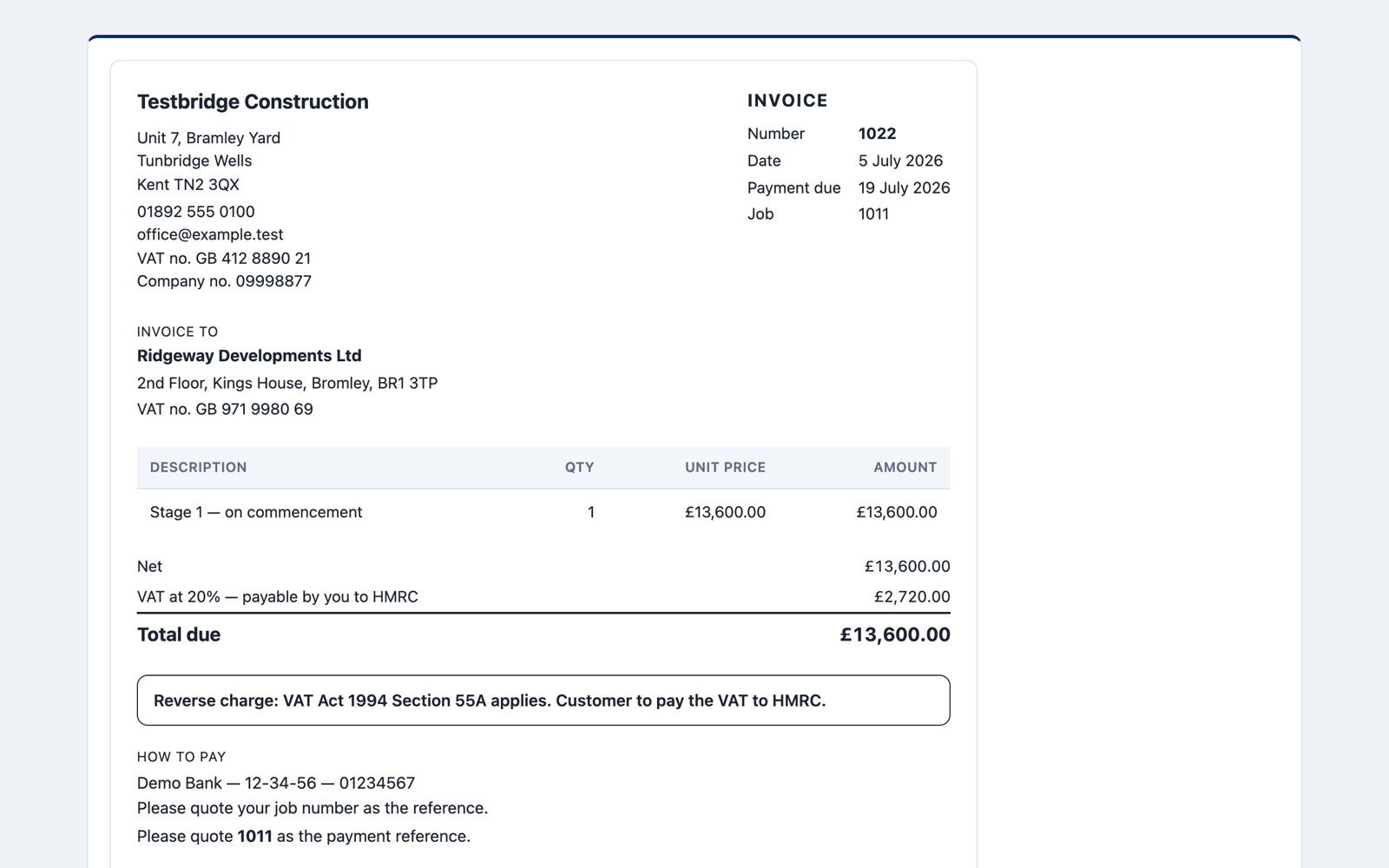
Invoice from the quote with standard, reduced, zero-rated or reverse charge VAT — the wording goes on for you, and the customer can open it from a private link.
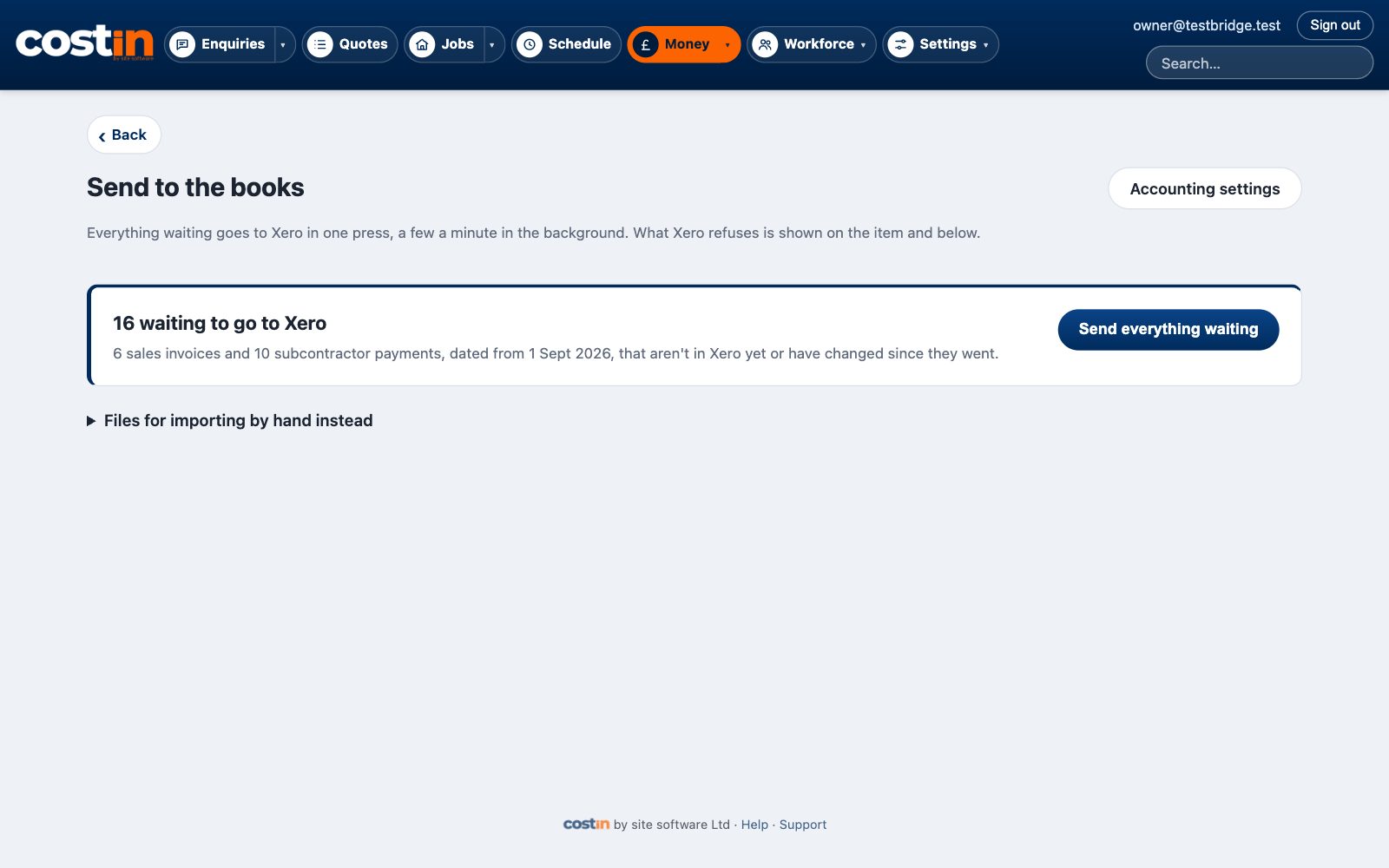
Connect your books once. Sales invoices, supplier bills and subbie payments wait here, and one press sends the lot across. Rather import by hand? Download the files for Xero or QuickBooks instead.
Try it on a real job of your own. 14 days free, nothing taken until then, and cancel any time. Send us your spreadsheets and we'll bring your customers and price list in for you.
Questions? [email protected]
Everything shown is a made-up firm, "Testbridge Construction". Use the arrow keys or swipe.